
I discovered that HDTVs have the same technology as computer monitors, but with more features. Here's what I learned from my research.

I examined various monitors and HDTVs and concluded that HDTVs have the same technology as computer monitors.
At less cost, HDTVs even include a host of extra features not found in standard monitors. They even have better sound quality.
Here's what I learned from my research.
I tested several brands of computer monitors and was very disappointed with their quality. Two things bothered me with regular computer monitors:
1. Narrow viewing angle
Computer monitors are designed with a narrow viewing angle since they are meant to be used directly in front. That provides security from people nearby with peeping eyes.
I don't need to worry about that since I work at home. Besides, I don't want to be forced to sit directly in front of the screen to see it well.
What is your situation? Do you work from home? If so, do you really need to pay more for an expensive monitor that provides security with people looking at your screen?
2. Poor audio quality
An even worse problem was the poor sound quality. The speakers in computer monitors produce terrible audio.
The response from store salespeople has always been the same. They told me that since new displays are so thin, there's no room to include good speakers.
I am amazed that manufacturers can't get it right. Apple did it! The iPad and iPhone are thin, with little room for large speakers. And yet, they have excellent audio. So, why do expensive computer monitors have such poor audio quality?
All the store sales reps told me I should buy external speakers to have decent audio. However, I wanted to avoid cluttering my desk with extra components, so built-in speakers are mandatory.
We all know that televisions built today are also thin and have great audio with built-in speakers. So I decided to try an actual HDTV to use as my monitor.
With my research, I discovered that a 1080p HDTV provides the same video quality as most digital monitors. It's equivalent to a monitor with 1920 x 1080 pixels.
TVs are much cheaper than computer monitors, which is ridiculous because monitors don't have TV tuners or Internet access. So why are they more expensive?
It must be because people don't know they can use a simple TV and are willing to pay a premium for their computer display.
I examined the HDTVs that were on display at several stores. I noticed that the viewing angle was terrific. All the way up to 178 degrees, with no loss of clarity or color when viewing it at an angle.
Yep, I found a low-cost solution that provides better quality.
Vizio makes a 24-inch HD model that has 1080p. And as a bonus, it's a Smart TV. That means it picks up Internet streaming channels in addition to broadcast and cable.
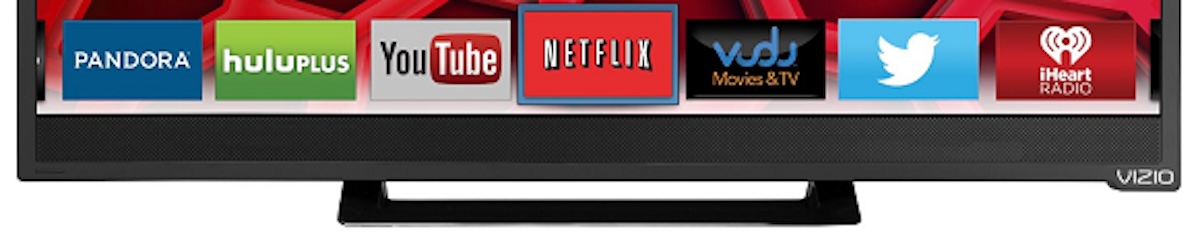
Internet capability includes built-in apps to watch Netflix, Amazon Video, Hulu, YouTube, Pandora, and more.
TCL makes an HDTV that includes Roku, which offers many more streaming channels.
My 24-inch Vizio Smart TV that I bought over ten years ago has excellent audio. And since it's 1080p, I can read the tiniest text on the screen.
A TCL brand 32-inch Smart TV  that a friend bought also had superior audio and video.
It's even better than my Vizio, since TCL includes Roku with thousands of streaming channels.
My choice was for a 24-inch screen. That's perfect for my computer use, but you can decide what's best for you. My friend wanted a 32-inch display, and that's okay.
If you want a larger screen, you'll find a better deal with an HDTV instead of a computer monitor. Just remember to look for one that is 1080p and has at least one HDMI interface to connect to your computer.
Many larger HDTVs have more than one interface connector. HDMI carries both stereo audio and video, so you'll have fewer wires to connect.
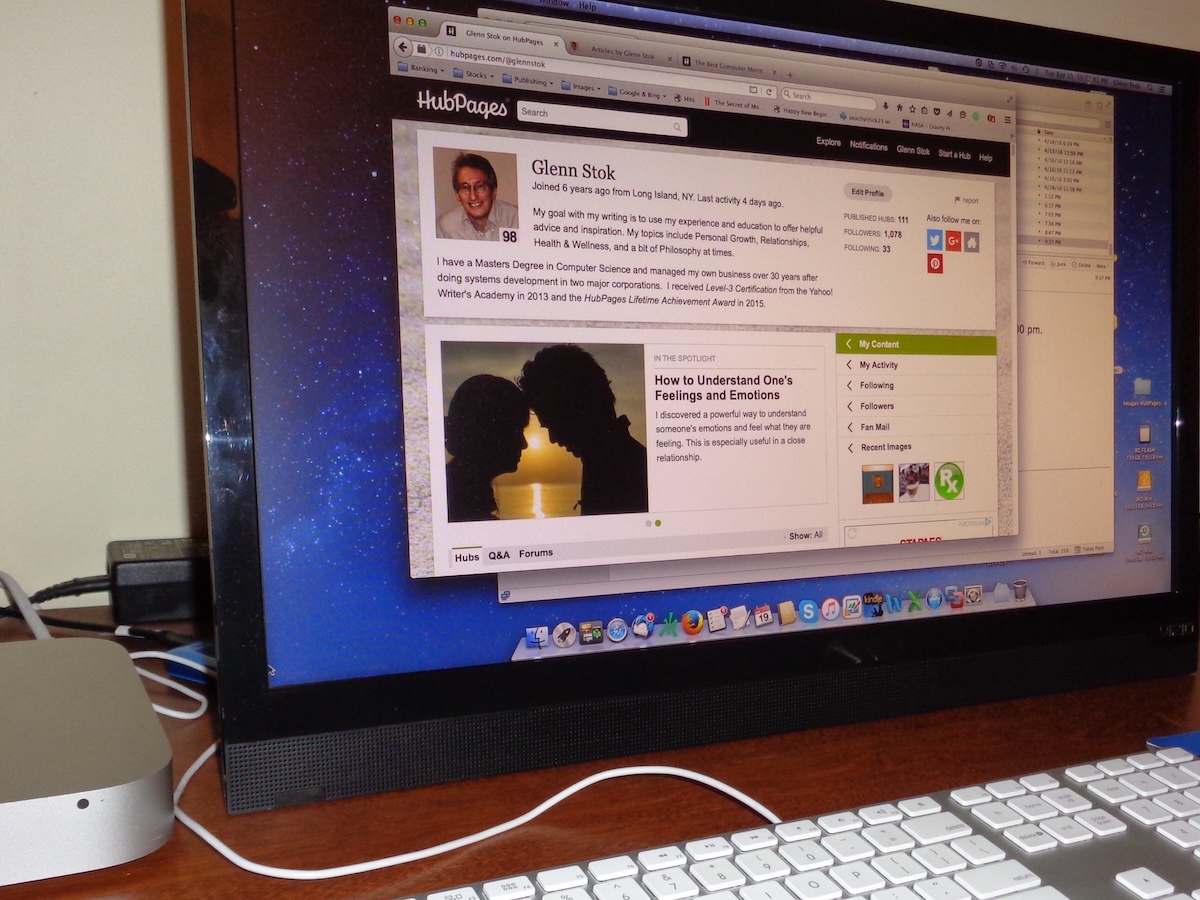
I have an Apple iMac Mini. I connected the Mini Display Port on the Mac to the HDMI port on the TV. You can also connect Apple's Thunderbolt™ to HDMI.
If you have a computer with a DVI Port, no problem. You can use a "DVI to HDMI" Adapter Cable.
Remember, there are two crucial things you need to remember when selecting a TV to use as a computer monitor:
As long as you have an HDTV with 1080p, you'll have the clarity of 1920 x 1080 pixels to produce the tiniest text and clear graphics.
| Display Technologhy | LED |
| Resolution | 1080p (1920 x 1080 pixels) |
| Refresh Rate | 60 Hz |
| Response Time | 5 ms |
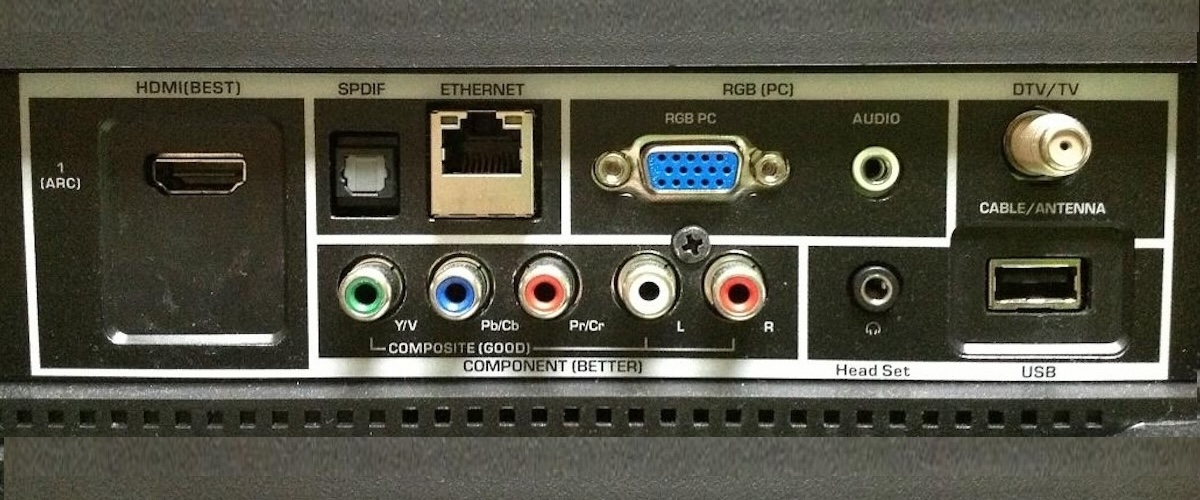
| Video Interface | HDMI, RGB (PC), Composite |
| Other Inputs | DTV Cable TV, USB |
| Internet | Built-In Wi-Fi, Ethernet |
| Display Sizes | 24", 32", 40" … up to 80" |
| Remote Control | Yes |
| Energy Star | Yes |
If your computer only has an RGB or composite interface, you can find an HDTV that supports it. However, RGB interfacing may not provide clear images for small text.
I recommend using an HDMI port because it supports the best video and stereo audio quality.
The Vizio TV I use supports HDMI, as shown on its rear panel below. That’s similar to the back of most modern smart TVs.
Those who play games on PCs and require monitors that have response times of 5ms or better will be glad to know that most modern HDTVs are now in that range.
Gamers who have not researched this are under the impression that HDTVs have a slow response time (as high as 20+ ms). But I'm finding them in the 5ms range, such as the 24-inch Vizio I mentioned above that I'm using.
Vizio even has a 47-inch Widescreen TV (Model XVT3D474SV) with a 4 ms response time.
I had already received thanks from a few gaming enthusiasts for guiding them to use a good-quality HDTV. They saved money, and since the sound with games is extremely important too, this solved their problem of having to use external speakers.
The feedback I've received is that they like having less clutter. The built-in high-quality speakers in an HDTV eliminated the need for having another item on their desk.
The HD TVs built today have the same technical specs as a PC Monitor. Just remember to buy a TV with 1080 pixels. And for decent gaming speed, you'll need one with a 120 Hz refresh rate.
Some people ask if they can see clear characters and details on a screen as large as 40 inches, for example.
The pixel density (pixels per inch) decreases with larger TVs, so a 40-inch HDTV will not serve well as a computer monitor.
Large-screen TVs are for distance viewing, such as across the living room. They are not meant to be used for computer work.
My discovery that HDTVs make good monitors is based on typical monitor sizes. A 24-inch or 32-inch HDTV at 1080p has extreme clarity because it has a large number of pixels per inch (PPI), so tiny characters are clear.
I can see text as small as 6 pt type crisp and clear. I never had a problem and am still using it today for all my development work.
Remember that screen widths meant for distant viewing are no longer sufficient for detailed computer work, unless it’s a 4K TV. That will provide a crisp text on much larger screens.
However, the extra expense for 4K is not necessary for the average desk-working distance. 4K is a high-end technology meant for large screen TVs used for far-distance viewing, not working on a desktop computer.
All HDTVs today are Smart TVs. Since I have a Smart TV on my desk, when I'm not doing computer work, I can watch streaming channels.
The future of television is here. Now you can take full advantage of it to enjoy a better experience with an excellent computer monitor that doubles as a smart TV.
Was this meaningful to you? Tap