Last updated August 6, 2026 — revised for clarity.
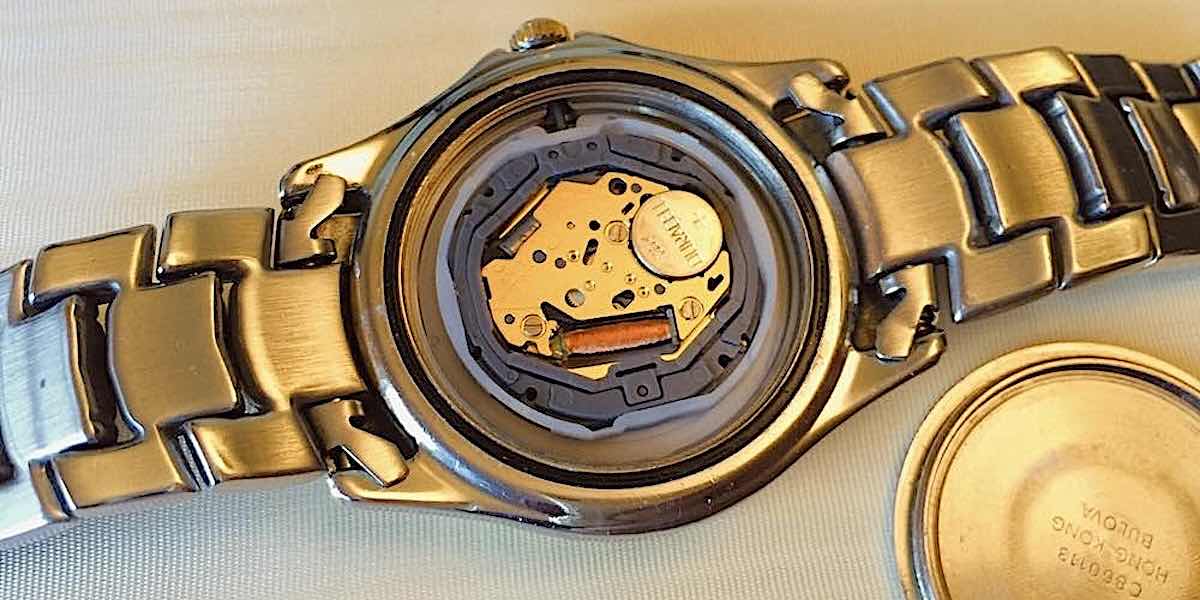
I discovered that replacement batteries are cheaper in retail stores than what a jeweler or watch repair shop charges to replace them. I'll show you how you can change the battery yourself.
There are two kinds of watch cases. Some have a pop-off back cover and others have a back cover that screws off.
1. How to Remove a Pop-off Back Cover
If your watch doesn't have slots around the edge of the back cover, then it doesn't twist off. You'll see an indentation on one side of the back cover instead. That indentation is there to help lift off the back.
You'll need a tiny screwdriver, which you can buy from any local hardware store. The kind in an eyeglass repair kit will work just fine.
Insert the tip of the screwdriver into that slot, and pry off the back cover. Giving the screwdriver a little twist should pop it off easily.
2. How to Remove a Screw-off Back Cover
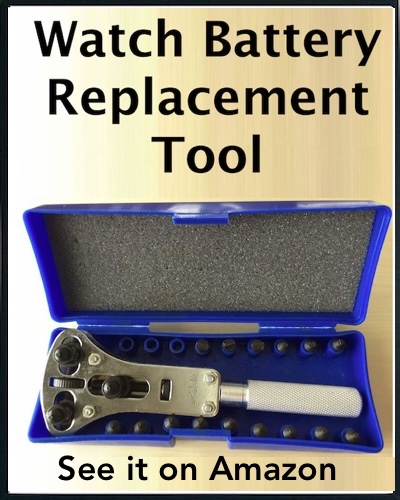
For this, you'll need a case remover tool. I found a low-cost watch-back opener tool available on Amazon that makes it easy to open any wristwatch with a screw-off back.
It comes in a kit that includes pins to fit the slots on the watch's back. It has a wheel to adjust the position of two pins, and the handle turns to adjust the location of the third pin, so it fits any watch.
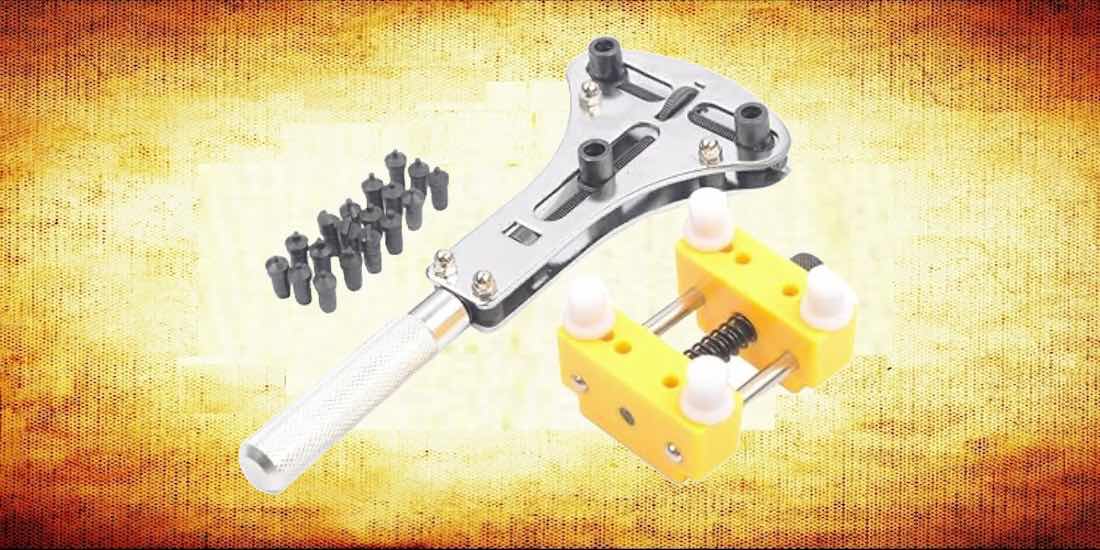
There are two kinds of these tools. Some have only two pins. I don't recommend those. Get a three-pin case remover tool like the one I use (shown below). Grabbing three slots makes it easier to loosen the back.
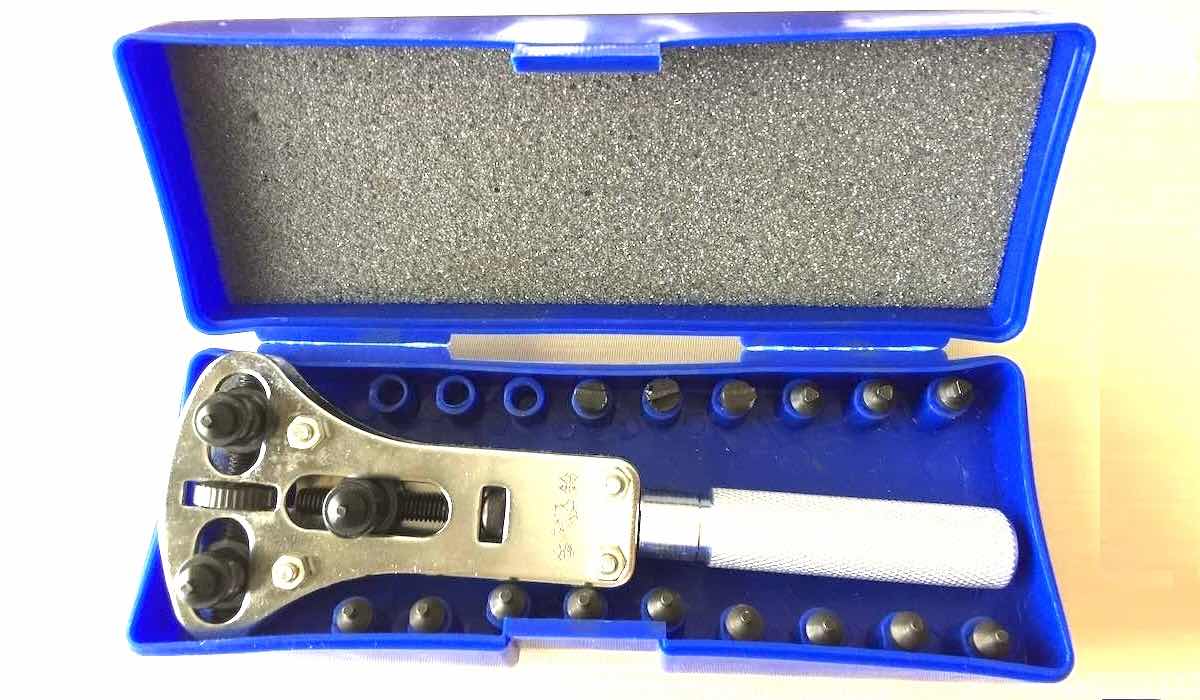
The case remover tool includes six sets of three pins to fit differently shaped slots on the back of your watch and a watch holder to keep it steady. I found it's easier to place the watch with its face down on the table instead of using the holder. But you can experiment to find the easiest way for you to handle it.
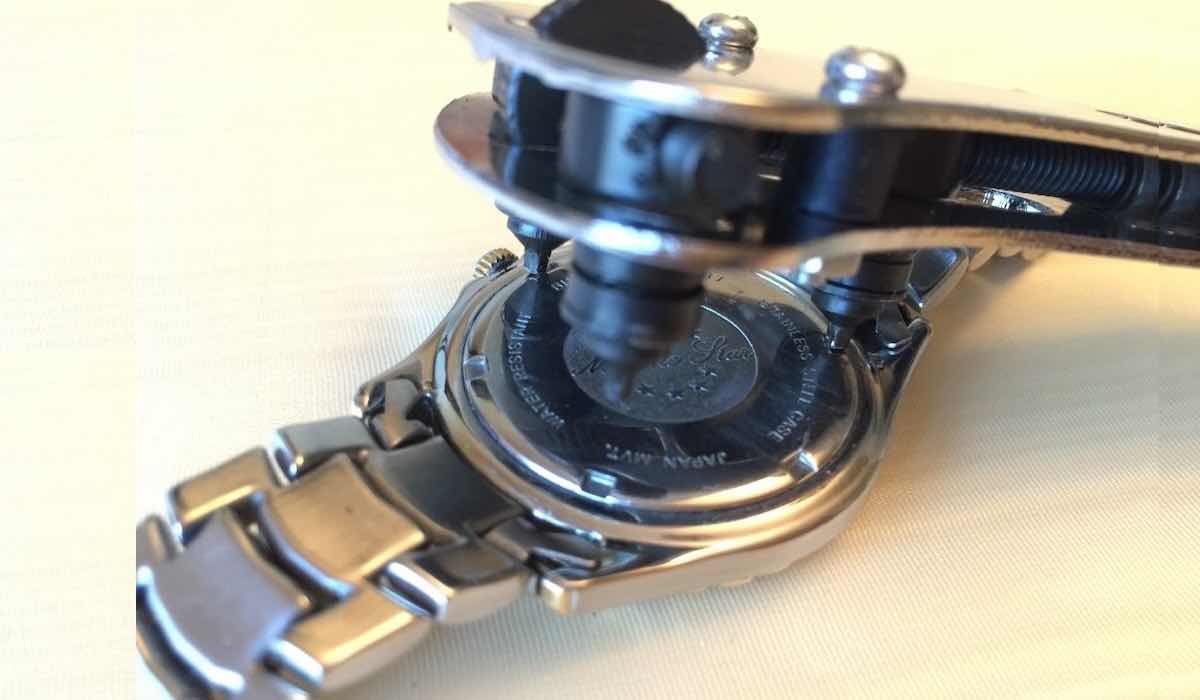
The first time you use the tool, you'll need to select three pins that match the shape of the slots (round, square, flat, or triangular). Then adjust two of the pins to fit the slots on your watch using the little adjustment wheel.
When you have those set properly, move the third pin in or out to match the last slot by turning the tool's handle. Now all three pins should align properly.
When properly aligned, you'll be able to twist off the back without slipping. I found it works to line up two of the pins first, then the third. When all three are in the slots, twist to loosen the back. Once you have it loosened, you can continue to unscrew the back by hand.
Helpful Hint (How I did it): After I set the proper position of the pins for my watch, I left it that way, so I never had to readjust the tool when I needed to replace the battery in the future.
With the back of the case removed, and before you remove the battery, it's important to notice how it's placed in the watch.
You will want to place the new battery with its "+" side facing the same as the old battery, either up or down. That's why you need to make note of that before removing the old battery.
Some batteries will pop right out when you turn the watch over. Others may have a clip to hold it in. You may need to slide that clip out of the way, but be careful not to damage it.
When you remove the battery from your watch, examine its code number. You might need a magnifying glass.
A helpful trick is to use your mobile phone camera to view and enlarge the image. That worked for me to read that small number. You can download a free magnifier app from the Apple App Store or Google Play. But check first: you might already have it installed by default.
Remember to keep a record of your watch's battery code to have it when you need to buy a new one. That will help you avoid opening the watch before you go shopping for a new battery, just to find the code again.
Don't buy a replacement from Amazon. I've done that, thinking I was saving money because they sell them with several in a packet at a low cost. But you don't need more than one at a time anyway because a good battery will last a few years.
Besides, I discovered that Amazon's batteries don't last long, even if they are name-brand. I guess no one buys them, and they get old in the warehouse. I had to replace them after a few months. So, a pack of five gives you the same life as one decent battery bought locally in a single packet.
I found that Walmart has good replacement batteries for most watches that last a long time. You might need to ask a store clerk where they are stored. Make sure to buy one with the same code number.
Walmart sells Energizer and Duracell watch batteries in packets like those shown below. And they cost much less than you'd pay a repair shop.
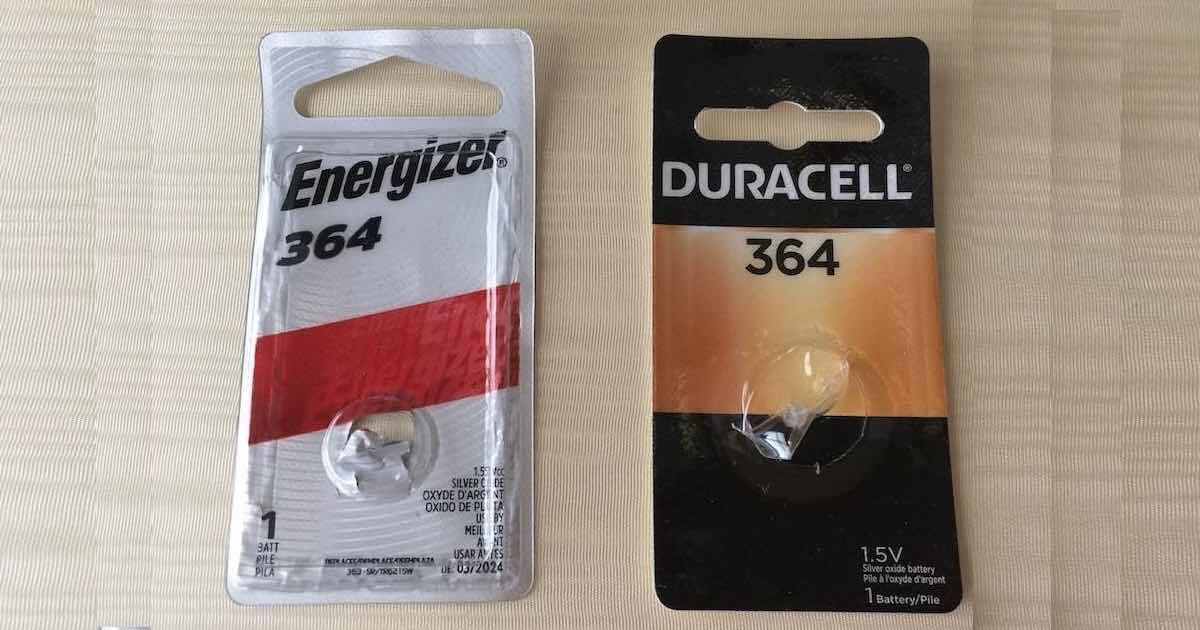
I can't stress this enough: Remember to notice the placement of the old battery before removing it. You must place the new one in with the "+" side facing the same as before. So pay attention to how it was before you removed the old battery, with the "+" side either up or down, so you put the new one in correctly.
I recommend washing your hands before touching the new battery. Skin oils can ruin having good electrical contact.

This is the 3-point watch case remover tool that I used. I purchased it from Amazon and it paid for itself the first time I used it. You'll find it easy to do yourself, and you'll probably start replacing watch batteries for all your friends too.
Was this article helpful?